This extension enables you to easily reset the entire settings configuration and data of the WP Express Checkout Plugin. It’s particularly useful in scenarios where you want to reset the main plugin’s configuration and data to start afresh.
Download the WPEC Reset Settings Extension
Download the free WPEC Reset Settings and Data extension.
Install the Addon
- Click on the Add New menu under the plugins interface.
- Go to the Uploader tab and upload the wpec-reset-settings.zip file.
- Hit the Install Now button and then activate the addon.
Using the Reset Settings and Data Extension
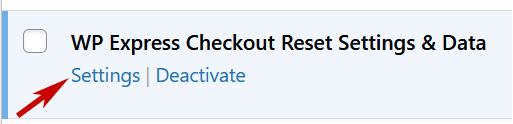
Access the settings page of this extension by clicking on the “Settings” link from the plugins list.
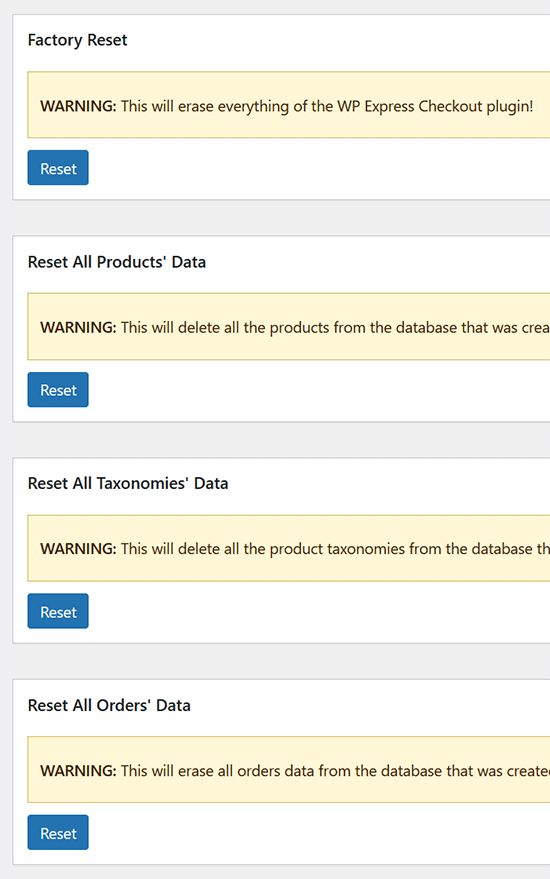
The Factory Reset option allows you to either reset all settings and plugin data or choose to selectively reset specific data.